
Log In to 1w: Secure Online Access to Your Account
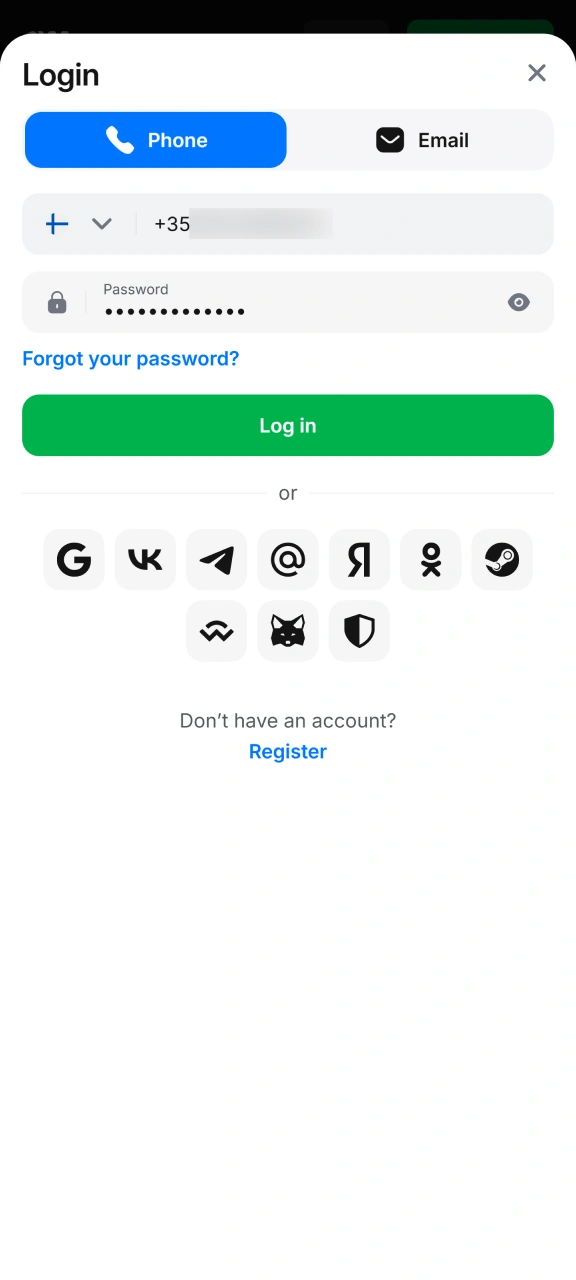
You can log in to your 1w account at any time after registration – on the official website or in the mobile app (Android APK or iOS PWA). Login works with phone number or email and password; or with a social media account if you used one when registering. The process takes only a few seconds, and after logging in you get access to sports betting, casino games, crypto deposits and bonuses. If you don’t have an account yet, you can register in a few steps. Customer support is available 24/7 via live chat (response in about 2 minutes).
Valid promo code October 2026
Grab it now! 00:15:00
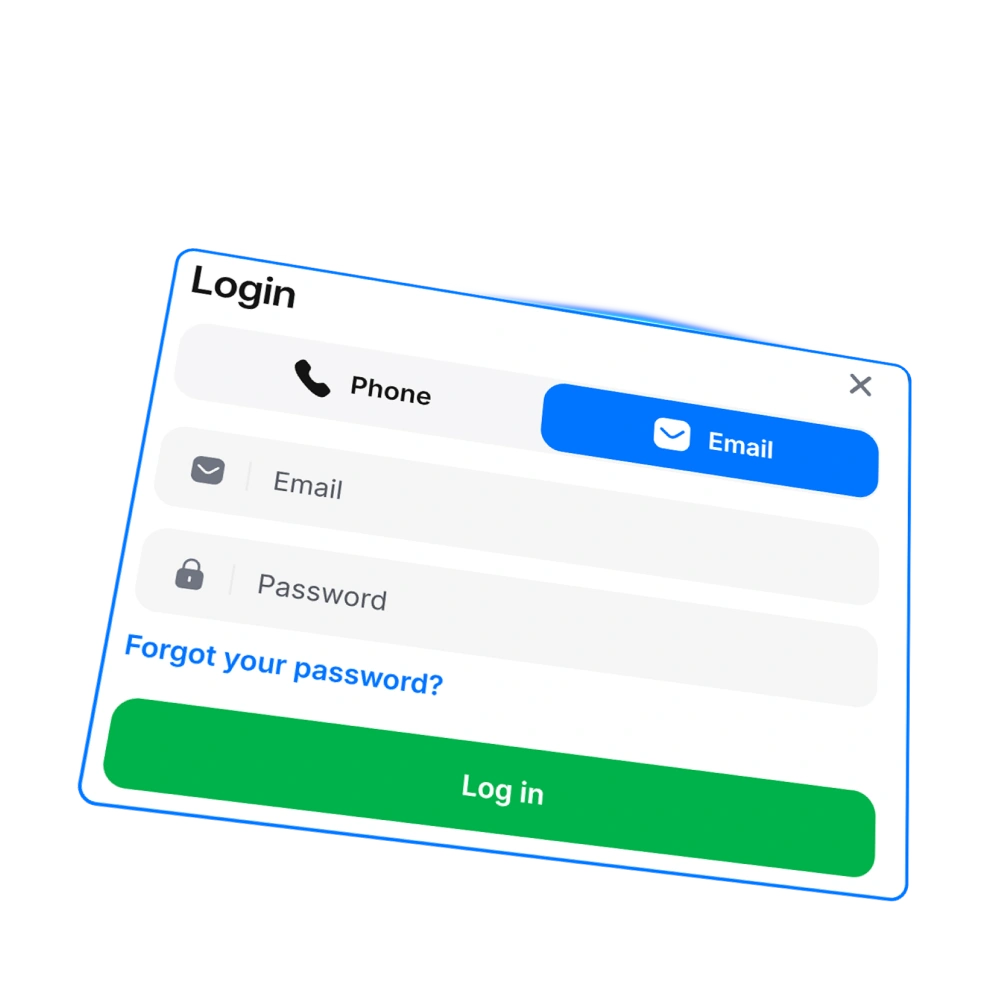
1w login methods: phone, email and social media
1w offers several ways to log in to your account on the website and in the mobile app. Choose the same method you used when registering – phone number, email address or social media account.
| Login method | Description |
|---|---|
| Phone number | Enter your registered phone number and password in the login form. |
| Email address | Enter your registered email address and password in the login form. |
| Social media | Log in with the social media account you used when registering. |
Logging in with the 1w app
4 stepsThe mobile app gives you the same full access to your account as the web browser. If you haven’t installed the app yet, first download the mobile app: Android APK from the official website or iOS PWA via Safari. You can earn 200 Points from installation.
Open the app
Launch the installed 1w app (Android APK) or PWA on your iOS device.
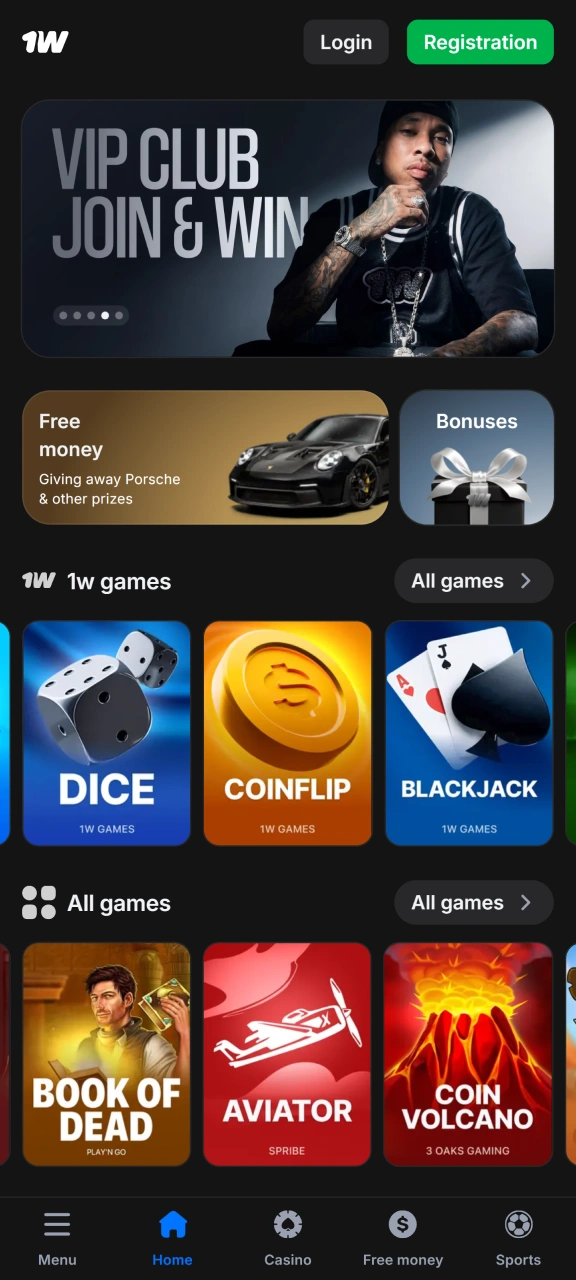
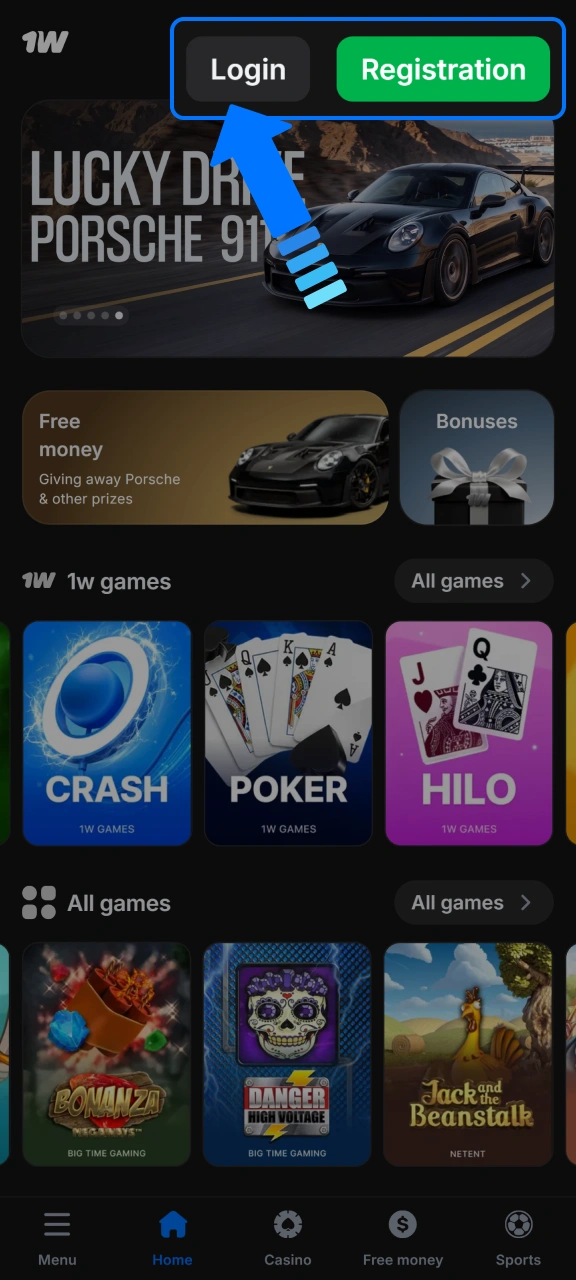
Tap the login button
On the start screen, tap the "Log in" button.
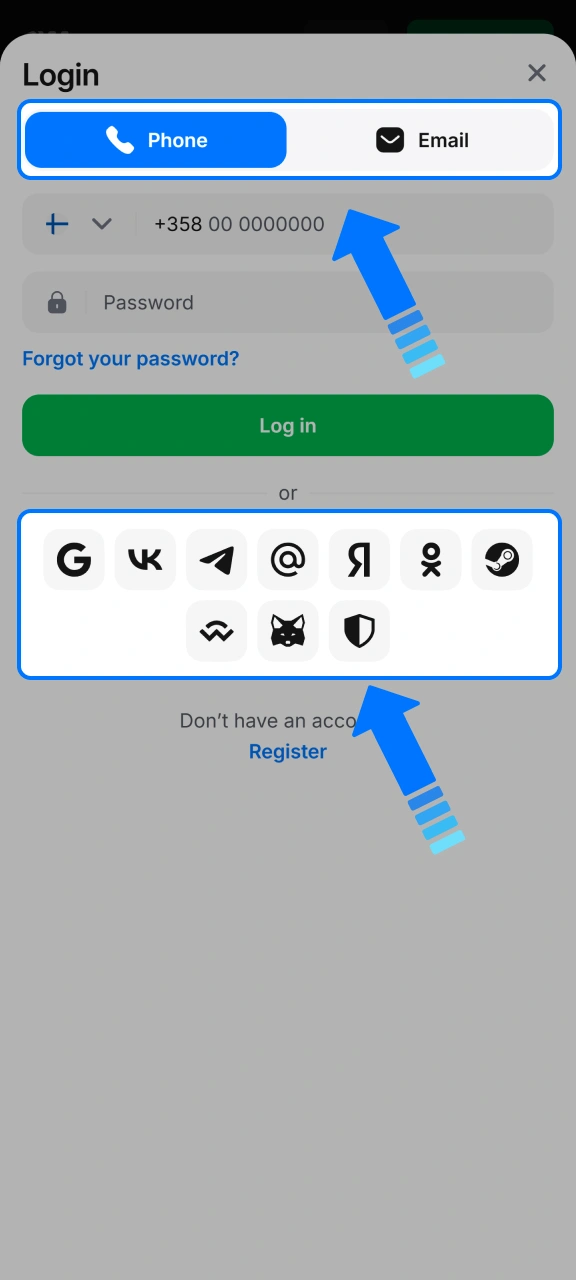
Choose login method
Select a login method – email address, phone number or social media account – and enter your credentials.
Enter password and confirm
Enter your password and confirm login. You go straight to your account home page and can play, deposit and withdraw funds from the app.
Common login issues on the 1w platform and how to fix them
In some situations, login may not work on the first attempt. The table below lists the most common problems and practical solutions.
| Problem | Solution |
|---|---|
| Wrong password | Check that Caps Lock is off and re-enter your password. If the problem continues, use the password reset feature. |
| Email or phone number not recognised | Make sure you use the same contact details as when you registered. Check for possible typos. |
| Account is locked | Try logging in again later or contact customer support via live chat or email at [email protected]. |
| Page does not load | Clear your browser cache or try a different browser. Also check your internet connection. |
Forgot password: how to restore access to your account
If you have forgotten your password, you can use the password reset feature on the login page. Alternatively, contact customer support via live chat (response in about 2 minutes) or email at [email protected].
- On the login page, click the “Forgot password?” link.
- Choose phone number or email address and enter your registered contact details.
- Click the Reset button or contact customer support if automatic reset does not work.
FAQ
Can I log in on multiple devices at the same time?
Yes, you can use your account on multiple devices, such as a computer and phone, at the same time. Your login credentials remain the same on all devices.
Are login details saved automatically in the app?
The app may offer the option to save login details, but this depends on your device settings. You can enable or disable autofill in your browser or app settings.
What should I do if I don’t remember the email I registered with?
Contact customer support via live chat or email at [email protected] and provide as much account information as possible to verify your identity.
How do I get help if login fails?
Customer support is available 24/7 via live chat (response in about 2 minutes). Technical support: [email protected].
How long does my session stay active before automatic logout?
Session duration varies depending on device and browser settings. If you notice you are logged out repeatedly, check your browser cookie settings or log in again via the app.
Updated:
Comments